


How to Make a Reservation
Should you require multi-day or multi-room reservations or need more than 6 months' advance booking, please contact us directly at 907-743-4270 or at bpec@alaskacf.org
To make a reservation:
Step 1:
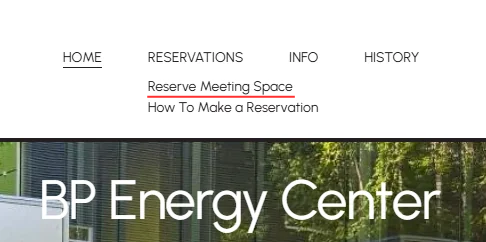
Click Reserve Meeting Space from the Reservations drop-down menu
Step 2:
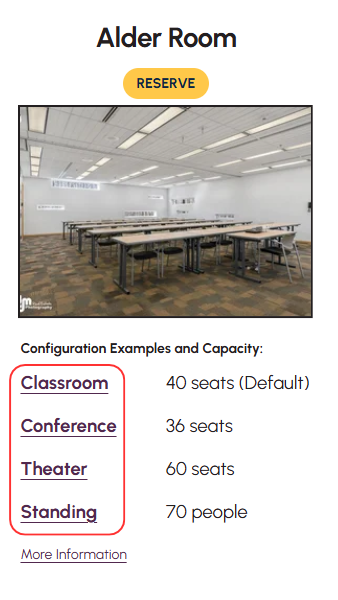
Preview the 5 meeting spaces to match capacity limits to the event needs
*Clicking on the configuration links opens viewable optional floor plans
Step 3:
Once chosen, click the Reserve button for the selected space
Step 4:
Read the User Agreement information
Click the Accept and Reserve Now button
Step 5:
If you have made a reservation before, or to create an account, click Sign In located in the upper right

Step 6:
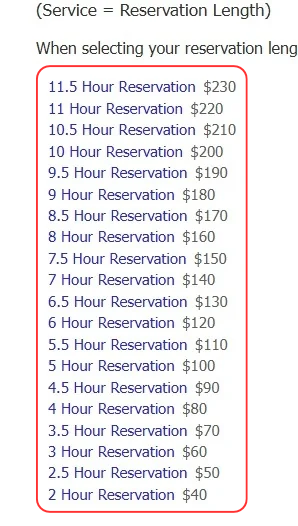
Select the appropriate length of time for the reservation
*Remember to include check-in, setup, restore, and check-out times
Step 7:
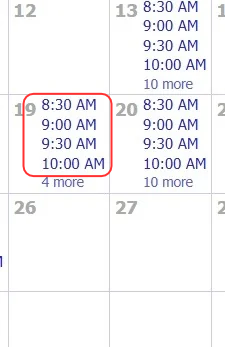
The Reservation Calendar will then display availability for the next 6 months
Click the Start Time on the date that works for you
*If there are no start time options listed on a particular date, the selected reservation length is not available.
Step 8:
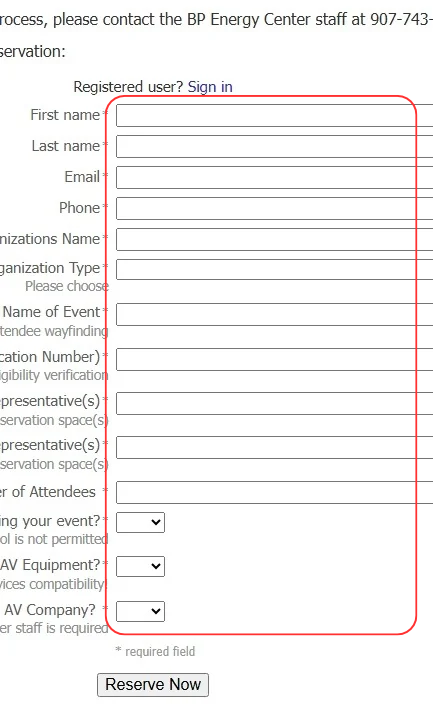
Fill out the required reservation information
Step 9:
Click the Reserve Now button
Review:
Energy Center staff will review your reservation and, if approved, send confirmation, payment instructions, and usage information to the email address provided
To update your reservation or contact information, or to cancel, please sign in to your account to make these changes